Best Educational Apps for Students in 2026
Jun 11, 2026
Download. Open once. Use for three days. Forget it exists. That is the lifecycle of most educational apps for students on the average phone. Thousands of options in the app store tagged ‘study’ or ‘learning’ and ninety percent follow the same arc. Bright interface. Gamified start. A week of notifications. Then silence.
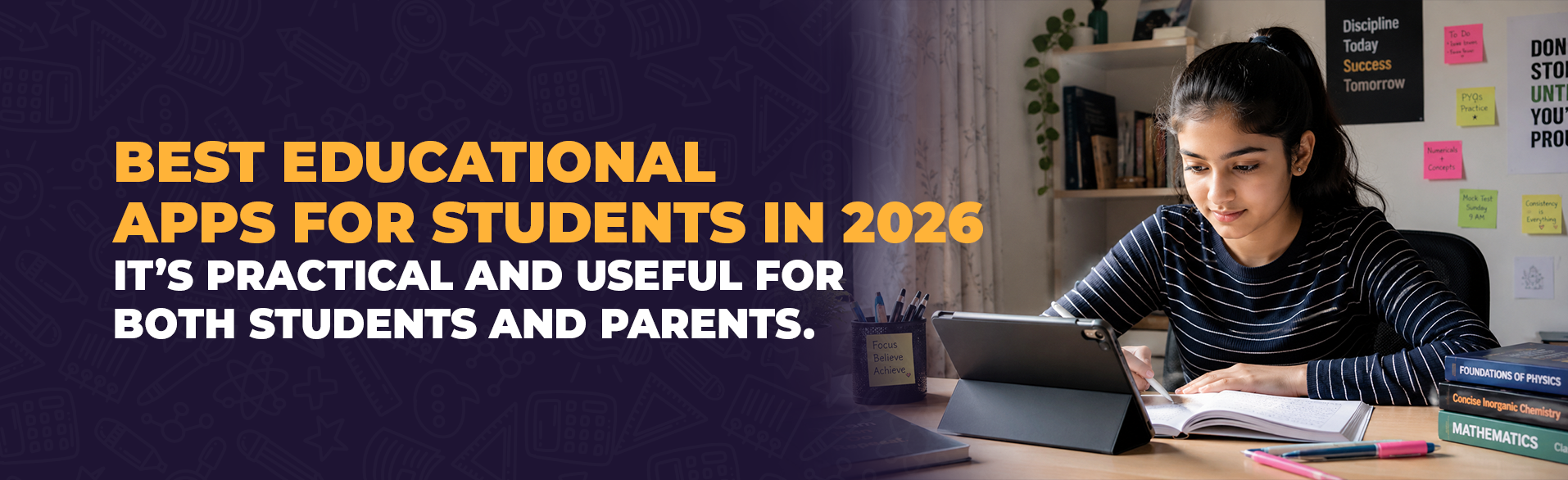
The apps that break that cycle solve a problem the student already has. Not one the app invented to justify itself. A student stuck on organic chemistry at 10 PM needs an explanation that makes the reaction mechanism visible. The app delivering that gets opened tomorrow. The one awarding badges for logging in does not.
What Separates a Learning App That Sticks From One That Gets Deleted
The pattern across learning apps for school students surviving past the first month is consistent. They do one thing well. An app teaching maths through adaptive problem sets works because the student opens it with a specific goal. Practice quadratics. An app bundling maths, science, languages, and general knowledge into one interface creates decision fatigue before studying even begins.
Stickiness depends on how quickly value arrives after opening. A student revising for forty minutes does not want to navigate a complicated dashboard. The apps students continue using share one quality: the first useful screen appears within seconds. Anything slower, and the textbook often becomes the easier option.
The Apps Worth Knowing About in 2026 and What Each One Actually Does
Khan Academy continues to stand out because of its structured courses in mathematics, science, and economics. A Class X student preparing for board examinations can follow complete units in logical order that closely match the Indian curriculum.
Photomath transformed mathematics doubt-solving by allowing students to scan a problem and receive step-by-step solutions. Students who study the method benefit greatly. Those who simply copy the answer learn very little.
- Quizlet: Uses adaptive flashcards that automatically repeat concepts students struggle with while gradually reducing repetition for concepts they already know. This makes spaced repetition simple and effective.
- Notion: Helps senior students organise notes, revision schedules, assignments, and deadlines in one workspace. Instead of juggling multiple notebooks and apps, everything remains structured in a single place.
None of these applications replace genuine learning. They clarify concepts, organise study material, and strengthen revision. They cannot replace the student's own willingness to think, practise, and understand.
What the Best Study Apps Have in Common and Why That Matters
Strip away branding and interface design. The best study apps share three characteristics. They start instantly without lengthy onboarding. They provide clear feedback showing progress. And they solve one focused problem instead of trying to become an all-in-one learning platform.
The apps that disappear from students' phones usually share the opposite qualities. They prioritise streaks, badges, and leaderboards over meaningful learning. A seven-day streak means very little if the difficulty never increases and genuine understanding never develops.
What Parents Should Actually Check Before Downloading Anything
The natural instinct is to search for the "best learning app" and install several options. That usually fills a phone with applications that are never opened.
A better approach begins with a simple question: which subject is your child struggling with right now? Choose an app that addresses that specific need rather than downloading whatever appears most popular.
- Offline access: Students often revise while travelling or during internet interruptions. Apps that require a constant connection become unreliable in real-world situations.
- Progress tracking: The most effective apps motivate students by showing improvement over time rather than constantly highlighting mistakes.
- Privacy: Free applications often collect user data to support advertising. Parents should always review permissions and privacy policies before installing any educational app.
The most practical strategy is allowing students to use one or two carefully selected apps for a month and then evaluating whether understanding, confidence, or examination performance has genuinely improved. If not, the app has not earned its place.
When the Phone Becomes the Study Desk Instead of the Distraction
Every parent has seen it happen. A phone is opened for studying, and twenty minutes later the student is scrolling through social media instead. The same device that provides instant access to world-class educational resources also delivers endless distractions.
The apps themselves cannot solve that conflict. Discipline can. Turn on Do Not Disturb mode. Open the specific learning app. Study with purpose for thirty minutes. Close the app once the task is complete. Technology supports learning, but the decision to stay focused always belongs to the student.